
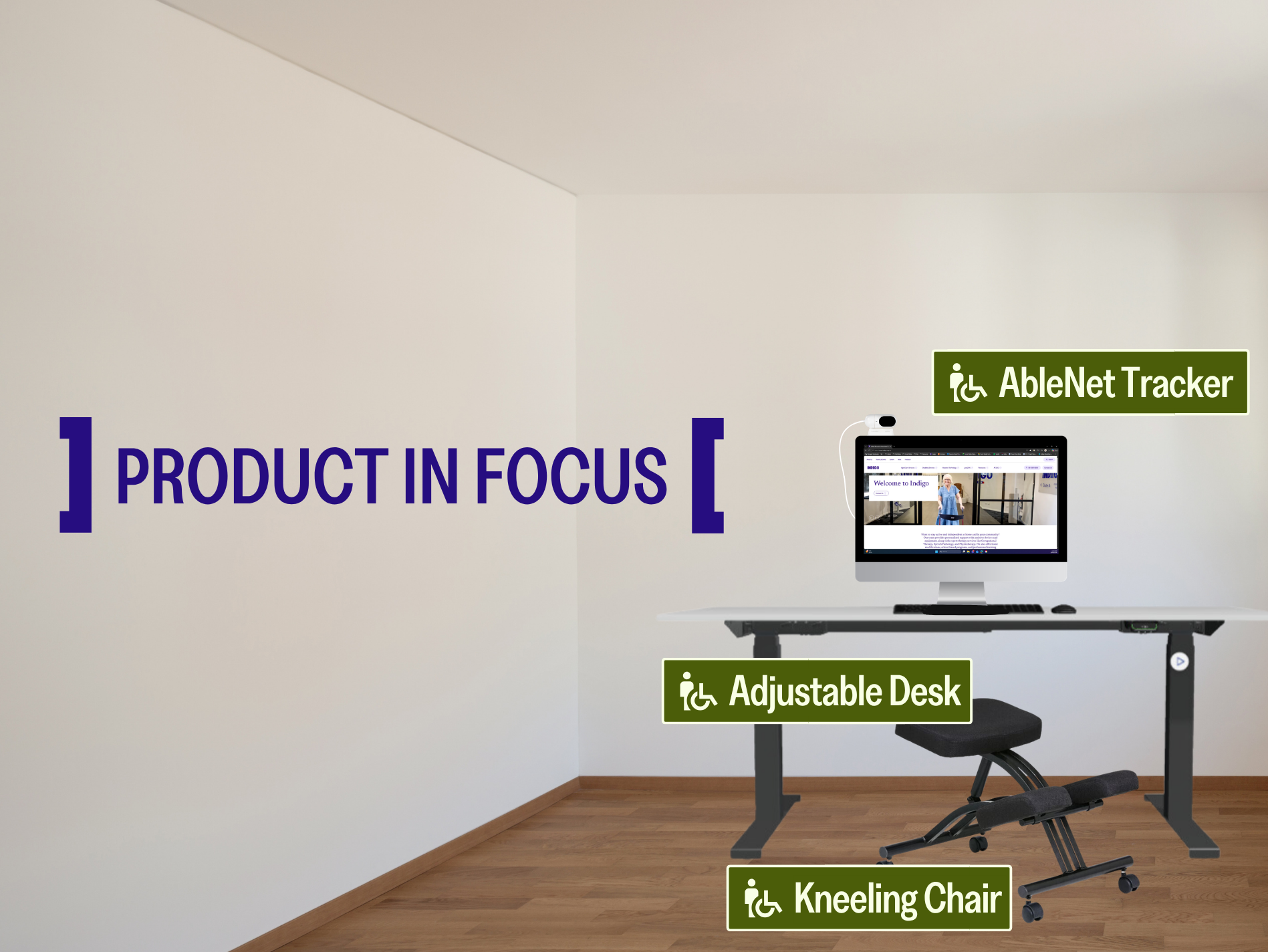
Product in Focus: Work
Assistive technology (AT) provides practical solutions to support individuals in their daily living activities and achieve their NDIS goals.
It can include devices and equipment such as accessible switches for gaming devices, mobility aids like wheelchairs and walking sticks, or even alternative cutlery and kitchen utensils. Assistive technology doesn’t have to be overly complex or expensive, and sometimes the simplest technologies can have the biggest impact.
Using assistive technology extends outside the home – it can be useful, and depending on each individual, essential, to use in the workplace.
Particularly if you work in an office, there are added extras that can make doing your job easier, like these office and desk assistive technologies.
Employees have the right request reasonable adjustments to their workplace and to the tasks that they complete at their job, and employers are required by Australian law to provide reasonable adjustments to ensure that their employees can access their workplace and do their jobs correctly and safely.
This can include flexible working arrangements, ramps and elevators, equipment modifications (such as screen readers, an electric desk to fit your wheelchair under, adaptive keyboards or mice), increased training, or modified work tasks (such as swapping tasks with a co-worker, or using written communication like emails over verbal instructions).
Employees can request a workplace assessment to see what reasonable adjustments could be made, and employers can also work with their employees to create a disability employment support plan.
The Federal Government can provide financial assistance for workplace adjustments for employees with disabilities through the Employment Assistance Fund.
Desk and Desk Supports


If you work in an office, your desk will be where you spend most of your time, so it is important that it works for you and your needs, and that you are comfortable and supported. Adjustable desks, wrist supports, monitor and laptop stands can alleviate pain and fatigue by allowing you to adjust screens and surfaces, avoiding neck, arm and wrist pain, as well as eye strain.
See more desks and workstations See more forearm and wrist supports
Keyboards
Using a computer can be a big part of a job – and it is important to consider what you might need to be able to access a computer.
There are many different types of keyboards that you can use to make typing more accessible. Coloured, high contrast, or large keyboards can be extremely helpful for those with vision impairments, while small, ergonomic and one-handed keyboards can aid those with limited mobility.


Computer Mice and Joysticks


Accessible computer mice can include ergonomic mice, which are specifically designed to reduce wrist strain and pain, trackballs and trackpads, and head or eye operated mice, which use cameras and software to track movements. Joysticks are also another option, allowing easier movement with a centrally placed joystick, and accessible buttons or switches on the controller.
Workplace Seating
A good office chair goes a long way – and can prevent further pain, muscle, or spinal issues in the future. While some users may simply need a supportive back rest or footstool, others might need something more adaptive. Kneeling chairs can relieve stress on the spine, while active or ergonomic stools allow for movement and flexibility between sitting and standing.


